
Crypto Payment Terminal: Hardware Guide for Modern POS Systems
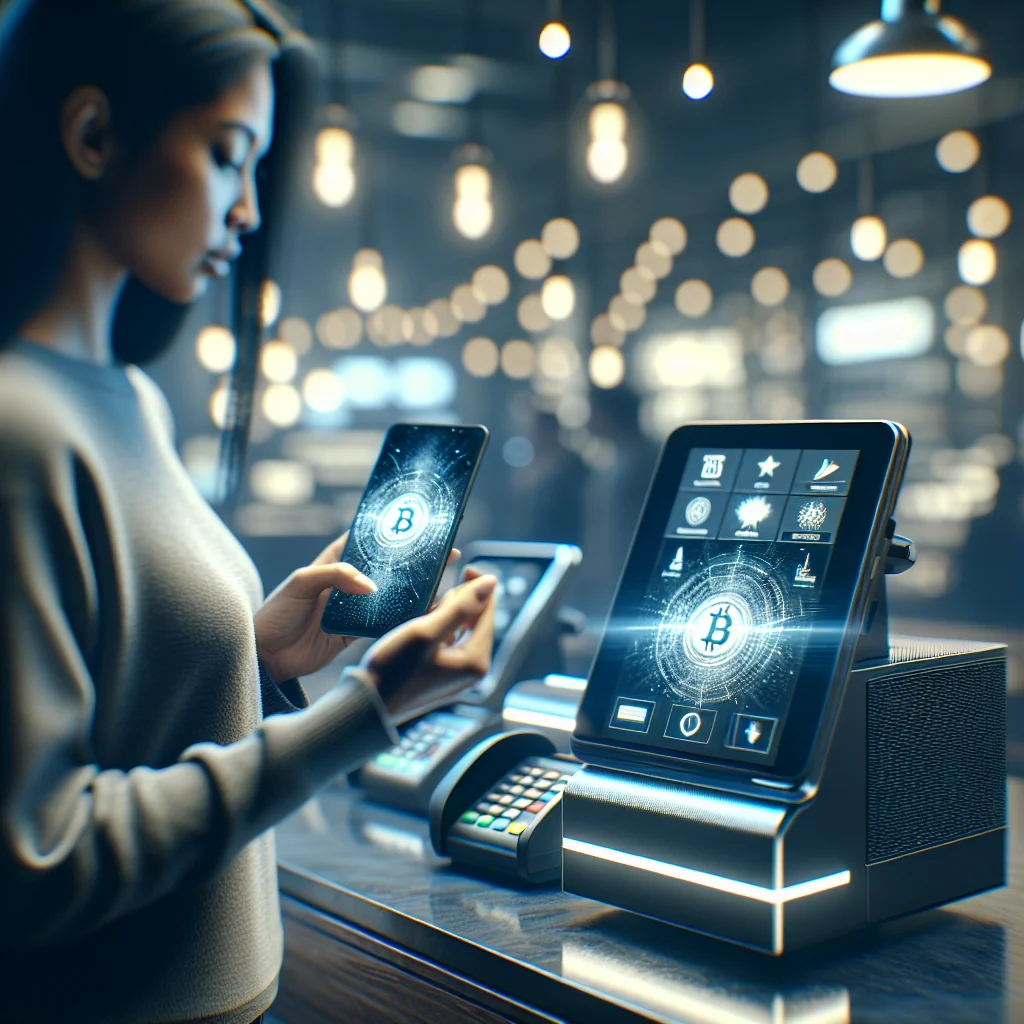
Crypto Payment Terminal: Hardware Guide for Modern POS Setups Picture this: a customer walks up, orders a latte, and instead of fumbling for a card, they pull...
Picture this: a customer walks up, orders a latte, and instead of fumbling for a card, they pull out their phone and say, “Can I pay in Bitcoin?” If your staff freezes at that question, you’re not alone. A crypto payment terminal is basically the missing link between that phone wallet and your existing checkout. It plays the same role a card reader does for Visa or Mastercard—just with extra steps and a few quirks. Before you throw money at shiny hardware, it’s worth slowing down to understand what these terminals actually do, where they fit into your POS, and where the headaches tend to show up.
What Is a Crypto Payment Terminal in POS Hardware Terms?
In plain English, a crypto payment terminal is a box on your counter that says, “Yes, we speak Bitcoin (and friends).” Technically, it’s just another piece of POS hardware that can accept cryptocurrency in-store. Most of the time it shows a QR code, talks to a payment processor somewhere on the internet, and waits for the blockchain to nod in approval. To the cashier, it’s supposed to feel as boring and predictable as a normal card terminal—and that’s a good thing.
You’ll usually see two flavors: standalone crypto boxes and card terminals that had crypto bolted on later. Some vendors go for a super minimal interface so you can train staff in five minutes. Others cram in every possible feature—multi‑coin wallets, on-device reports, tipping screens, even loyalty apps—until the home screen looks like a smartphone from 2012. Which one makes sense for you depends less on the spec sheet and more on your actual checkout chaos: how rushed your lines are and how comfortable your team is with anything more complicated than “tap, beep, done.”
There’s also a big philosophical fork in the road: do you actually want to hold crypto, or do you just want the marketing halo without the price swings? Many merchants never see a satoshi. The terminal sends the payment to a processor, the processor converts it to your local currency on the fly, and your bank account gets a normal deposit. Others deliberately keep the crypto, treating the terminal as a kind of secure front door to their own wallet setup. Both approaches are valid; just don’t stumble into the second one by accident.
How a Crypto Payment Terminal Works at Checkout
From the customer’s side, the flow looks almost boringly simple. Cashier types in the amount. Terminal flashes a QR code. Customer scans it with their wallet app, taps “Send,” and waits a second or two. That’s what you see. Under the hood, there’s more going on than the screen lets on.
First, the terminal ships the invoice details to either a crypto payment processor or an on-device wallet app. That system grabs the latest exchange rate, converts your $8.50 latte into however many bits of crypto that is right now, and generates a unique payment address or invoice. When the customer’s wallet broadcasts the transaction to the network, the processor or wallet catches it and pings the terminal back with a “we see it” signal. At that point, your device happily prints or shows a receipt and your barista moves on to the next drink.
Now, here’s where it gets messy: confirmations. Some terminals insist on waiting for the blockchain to actually confirm the transaction, which can take minutes and feels like an eternity when there’s a line. Others lean on instant payment channels, risk scoring, or processor guarantees and treat “we saw the transaction” as good enough—especially for low-ticket stuff like coffee or bus tickets. In practice, most small merchants quietly choose speed over absolute purity and accept so-called “zero-confirmation” payments, trusting their processor not to leave them hanging.
Key Hardware Features to Look For in a Crypto Payment Terminal
It’s tempting to get distracted by buzzwords and coin logos, but if you’ve ever dealt with a flaky card reader, you already know the truth: hardware quality matters more than clever software. A beautiful crypto app on a laggy, bargain-bin terminal will just make everyone hate it. Start with the basics, then worry about the bells and whistles.
-
Screen and input: If staff can’t read the screen in daylight or the touchscreen misses half their taps, they’ll avoid using it. Bright display, decent resolution, and either a reliable touchscreen or a physical keypad are non‑negotiable.
-
QR and NFC support: Crypto lives in QR codes. A weak camera that struggles to focus will slow every transaction. Ideally, you get a solid scanner and, if possible, NFC or tap‑to‑pay support for wallets that can use it.
-
Connectivity: Terminals that drop offline at lunchtime are worse than useless. Look for dual‑band Wi‑Fi, Ethernet if you can run a cable, and optional 4G/5G for pop‑ups or backup. One flaky network shouldn’t kill your payments.
-
Battery and portability: Running a food truck or market stall? Then battery life and a tough casing matter more than a pretty stand. For a fixed counter, you can be less picky, but still avoid anything that dies if someone unplugs it for five minutes.
-
Security chips: If the device ever touches private keys or sensitive crypto data, you want a secure element or hardware security module. No, this isn’t overkill. A stolen terminal with unprotected keys is a nightmare you don’t want.
-
Printer and peripherals: An integrated printer, cash drawer ports, and USB or serial ports make it easier to slot the terminal into your current POS setup instead of rebuilding everything around it.
-
Multi-coin support: Today it’s Bitcoin and maybe USDT; tomorrow your customers might ask for something else. Check which coins are supported now and whether the vendor actually ships firmware updates when new ones matter.
-
User roles and PINs: Staff logins, manager overrides, and basic audit trails aren’t just corporate paranoia. They help you figure out who did what when something looks off and cut down on “mystery” losses.
The short version: buy hardware that can survive real life. A cheap terminal with weak connectivity and no secure element might look like a bargain in the quote, but once it starts freezing, dropping transactions, or raising security questions, you’ll wish you’d spent a bit more.
Types of Crypto Payment Terminals You Will See on the Market
Walk through a trade show and you’ll see a zoo of devices all claiming to be “the future of payments.” Underneath the marketing, most crypto terminals fall into a few predictable buckets. Figuring out which bucket you’re in saves a lot of time arguing over brand names later.
First, there are the classic standalone terminals. Think: a separate box for crypto with its own screen and keypad, living next to your existing card reader. All the crypto magic happens on that device or in the cloud behind it. Then you’ve got hybrids—card terminals that also speak crypto—often running on Android, with app stores and custom software. Those “smart” devices can feel like mini‑tablets that just happen to take payments.
Then there’s the tablet route. Here, an iPad or Android tablet is the main brain of the checkout, running your POS app, and a smaller reader or scanner handles the QR and crypto side of things. Merchants who already live in a tablet POS world often prefer this because they’re not reinventing the whole setup; they’re just bolting crypto onto the edge.
Standalone vs Integrated Crypto Payment Terminal: Quick Comparison
If you’re torn between “one more box on the counter” and “one box to rule them all,” you’re basically choosing between standalone and integrated approaches. The table below doesn’t pretend to be neutral—I’ve seen all of these in the wild, and each has very real trade‑offs.
Terminal Type How It Works Main Advantages Main Drawbacks Best For Standalone crypto terminal Dedicated device just for crypto payments, separate from card reader. Easy to add without touching your card setup; you can test it in one lane without scaring finance. More clutter on the counter; staff juggle two flows and two devices, which can slow things down. Small shops dipping a toe into crypto; businesses locked into existing card contracts. Integrated card + crypto terminal Single device handles cards and crypto in one payment flow. Cleaner checkout, fewer cables, one training script, and unified reporting. Setup can be more painful; might require changing processors and paying more per device. Growing retailers, chains standardizing hardware, or new stores starting from scratch. Smart Android POS terminal App-based device runs POS and crypto app on one screen. Very flexible; can run menus, catalogs, loyalty apps, and crypto on the same device. More software to babysit; needs updates and a bit more tech comfort from staff. Cafés, quick-service spots, mobile vendors, and teams that aren’t scared of apps and settings. Tablet + crypto reader Tablet runs POS; external reader handles QR scanning and payments. Leverages hardware you may already own; easy to replace or upgrade individual pieces. Two or more devices to charge, mount, and manage; cable spaghetti if you’re not careful. Existing tablet POS users, pop‑up events, seasonal or experimental locations.
Once you’ve picked your lane—standalone, integrated, smart terminal, or tablet combo—the rest of the decision gets a lot less overwhelming. At that point you’re comparing build quality, support, and pricing within one category instead of trying to decide between twenty completely different gadgets.
Benefits and Drawbacks of Adding a Crypto Payment Terminal
Let’s be honest: adding crypto isn’t some magical revenue button. It’s another payment rail, with all the joy and pain that implies. You get some nice upside, but you’re also signing up for more things that can go wrong.
On the upside, you’ll absolutely win points with a certain crowd. Crypto fans tend to notice and appreciate places that accept their coins, and they often spend more freely when they can pay straight from their wallet. Cross‑border customers may also prefer it, since they can dodge some of the card fees and FX nonsense. And yes, the reduced chargeback risk compared to cards is real—once a crypto payment is confirmed, it’s not coming back.
The flip side: your operations team doesn’t get this for free. Staff need training, your helpdesk will get new flavors of “it’s not working,” and your finance team has to reconcile yet another stream of payments. If you hold crypto instead of converting instantly, price volatility becomes your problem. And every extra device is one more thing to patch, secure, and replace when someone drops it.
How to Choose the Right Crypto Payment Terminal for Your Store
The worst way to choose a terminal is to fall in love with a demo video. The best way is annoyingly boring: map what you already have, then add crypto as surgically as possible. Think about your Saturday rush, not your vendor’s PowerPoint.
-
Sketch your current checkout flow and hardware: where the card terminals sit, which tablets or PCs run the POS, where the printer is, how the cash drawer connects, all of it.
-
Decide up front whether you actually want to hold crypto or just receive your usual local currency. That choice narrows your list of processors and devices fast.
-
Pick a terminal type—standalone, integrated card + crypto, smart POS, or tablet + reader—based on your counter space, contracts, and staff comfort.
-
Write down which coins and tokens you must support today and which ones would be “nice to have” later, so you can quiz vendors about their roadmap instead of taking vague promises.
-
Check the hardware specs with a cold eye: screen readability, QR scanner speed, connectivity options, battery life if you’re mobile, and whether there’s a proper secure chip.
-
Look at how well it plays with your POS: can it print receipts, link payments to orders, handle refunds and partial payments without weird manual workarounds?
-
Evaluate the management side: remote updates, monitoring, user roles, reporting. If you have more than one location, this matters a lot sooner than you think.
-
Plan training and backup: who teaches staff, what the cheat sheet looks like, and what happens if the crypto rail goes down mid‑shift.
-
Run a pilot in one or two stores, gather brutally honest feedback from staff and customers, and fix the rough edges before you buy a fleet.
-
Roll out gradually, track how many payments actually come through crypto, and don’t be afraid to swap hardware types if reality doesn’t match the pitch.
Doing it this way feels slower, but it’s how you avoid the classic fate of new payment gadgets: sitting in a drawer, half‑configured, while everyone quietly goes back to using the old terminal.
Security and Compliance Considerations for Crypto Payment Terminals
Crypto doesn’t replace your existing security rules; it stacks on top of them. You still have to care about card data, receipts, and tax records, and now you’re adding keys, wallets, and new attack surfaces into the mix. Ignoring that and hoping for the best is how you end up in the news.
At a minimum, look for devices that encrypt data end‑to‑end and tuck any private keys away in a secure hardware element, not in plain storage. Ask vendors blunt questions about firmware updates: who signs them, how they’re delivered, and whether random apps can be installed on smart terminals. Locked‑down app stores and signed updates aren’t “nice extras”; they’re your main defense against malware sneaking in through a side door.
On the compliance side, the rules change by country, but finance teams everywhere want the same basics: clear receipts, proper timestamps, and totals in both crypto and fiat so they can reconcile and survive an audit. Make sure the terminal logs enough detail for them to do their job without building a spreadsheet nightmare around your new payment toy.
Is a Crypto Payment Terminal Worth It for Your Business?
For some stores, yes. For others, it’s a distraction. If your customers skew tech‑savvy, you get a lot of tourists, or your brand leans hard into “we’re ahead of the curve,” a crypto terminal can earn its keep—even if the raw transaction volume stays small. The signaling value alone can be worth something.
If your checkout is already hanging by a thread at peak times, don’t bolt on a complicated new device just because it looks futuristic. Aim for tight integration with your existing POS, keep the on‑screen flow as simple as “amount, show code, done,” and automate currency conversion and reporting as much as your processor allows. Treat the first rollout as an experiment, not a forever decision.
Handled well, a crypto payment terminal becomes just another button on your payments screen—no more dramatic than cash or card. Handled badly, it turns into a support magnet. The hardware you choose and the plan you build around it are what decide which way it goes.